Write ode by hand
Skip the prompt and write a track yourself. Free on every account, with no key and no plan. A first loop, one line at a time.
Every track in Songcode is a short text file in ode, and you can write one yourself. Writing by hand needs no prompt, no API key and no plan, so it is free on every account. Nothing is sent to a model: the song is read, checked and played in your browser.
#Start a track by hand
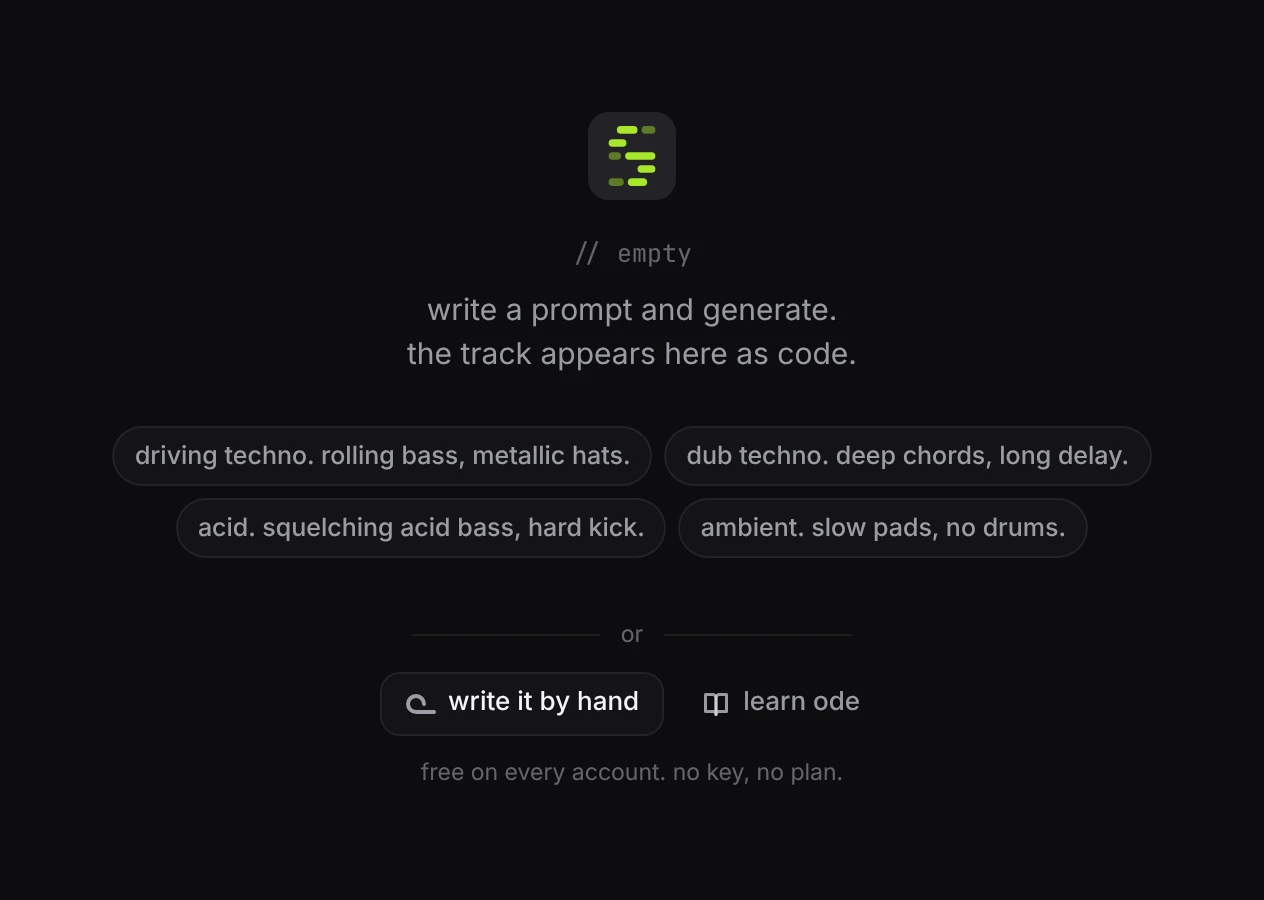
On an empty stage, under the example prompts, press write it by hand. learn ode next to it opens this page.
The editor opens on a short loop that already plays: drums, a bass and a chord part over four bars.
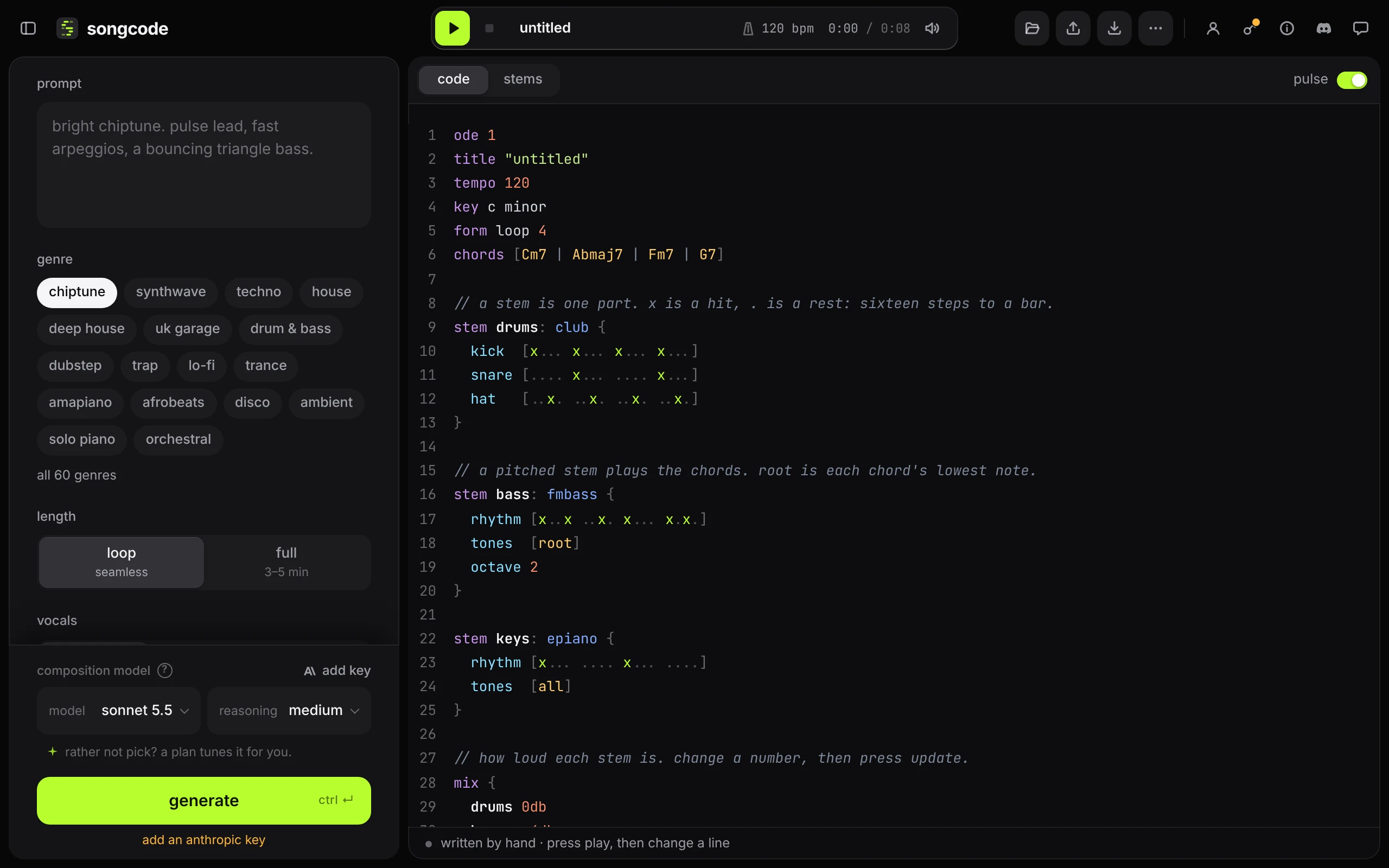
Press play, then change a line and press update to hear it. The loop is kept as a draft from your first change, so a start you leave alone leaves nothing behind in your library.
Everything else works as it does on a generated track. You can publish and share it, open it in the stems view, export audio, stems and MIDI, and, with a key or a plan, regenerate one stem while you write the rest. When composed by is on for your public page, a track written by hand shows by hand there and written: by hand on its song page.
#The loop you start with
ode
title "untitled"
tempo 120
key c minor
form loop 4
chords [Cm7 Abmaj7 Fm7 G7]
// a stem is one part. x is a hit, . is a rest: sixteen steps to a bar.
stem drums: club {
kick [x... x... x... x...]
snare [.... x... .... x...]
hat [..x. ..x. ..x. ..x.]
}
// a pitched stem plays the chords. root is each chord's lowest note.
stem bass: fmbass {
rhythm [x..x ..x. x... x.x.]
tones [root]
octave 2
}
stem keys: epiano {
rhythm [x... .... x... ....]
tones [all]
}
// how loud each stem is. change a number, then press update.
mix {
drums 0db
bass -4db
keys -8db
}Read it from the top:
odeis the first line of every track. It says the text is ode, version 1.title,tempo,key,formandchordsare the plan.form loop 4makes a four bar loop.chordsgives one chord a bar, split by|.- Each
stemis one part: a name, a colon, a sound, and a block in{ }. mixsets how loud each stem is.//starts a comment. Songcode skips it.
#Change the drums
A drum row is sixteen steps a bar. x is a hit and . is a rest, and the spaces only make the beats easy to count. Move the snare and add a second kick:
stem drums: club {
  kick  [x... ..x. x... ....]
  snare [.... x... .... x..x]
  hat   [x.x. x.x. x.x. x.xx]
}
club is the drum kit. Try live or another name from the drum kits.
#Change the chords
The bass and the keys follow the chord chart, so changing one line changes both:
chords [Fm9 Dbmaj7 Ab Eb]tones [root] plays each chord’s lowest note. tones [all] plays the whole chord. Change octave 2 to octave 1 to drop the bass an octave.
#Add a melody
A line row writes notes by name, each with its length: /4 is a quarter note, /8 an eighth, /2 a half. A note with no length keeps the one before it, and r is a rest. Each bar has to add up to a whole bar.
stem lead: sawlead {
line [c5/4 eb5/8 f5 g5/4 r ab5/4 g5 f5/2 eb5/4 f5 g5/2 d5/2 r/2]
}Add the stem above mix, then give it a level there: lead -10db. Swap sawlead for any instrument.
#When something is wrong
Songcode checks the text every time it changes. If a line cannot be read, the status line turns red and says which line and what is wrong, and the other stems keep playing. Errors lists what each message means, and ⌘Z steps back.
#Where to go next
- The code view covers the editor, update and the playing rows that light up.
- ode, the song format has every part of a track: sections, the arrange table, blocks that change a stem for part of the song, lyrics.
- Rows and settings is everything that goes inside a stem.
- Sounds lists every kit and instrument by name.
- Open any generated track and read it. Generated songs are written in the same language, so they are worked examples.
People who write ode are odists. We would love to hear what you make: share it in the Songcode Discord.