Accounts and signing in
Create an account, sign in with a password or an emailed link, and reset a password. Your usage, plans, referrals and the look of the Studio are on the dashboard.
Songcode needs an account. An account is an email address you can sign in with, and the app opens once you are signed in.
Signed out, the app’s address shows the sign-in page in place of the app.
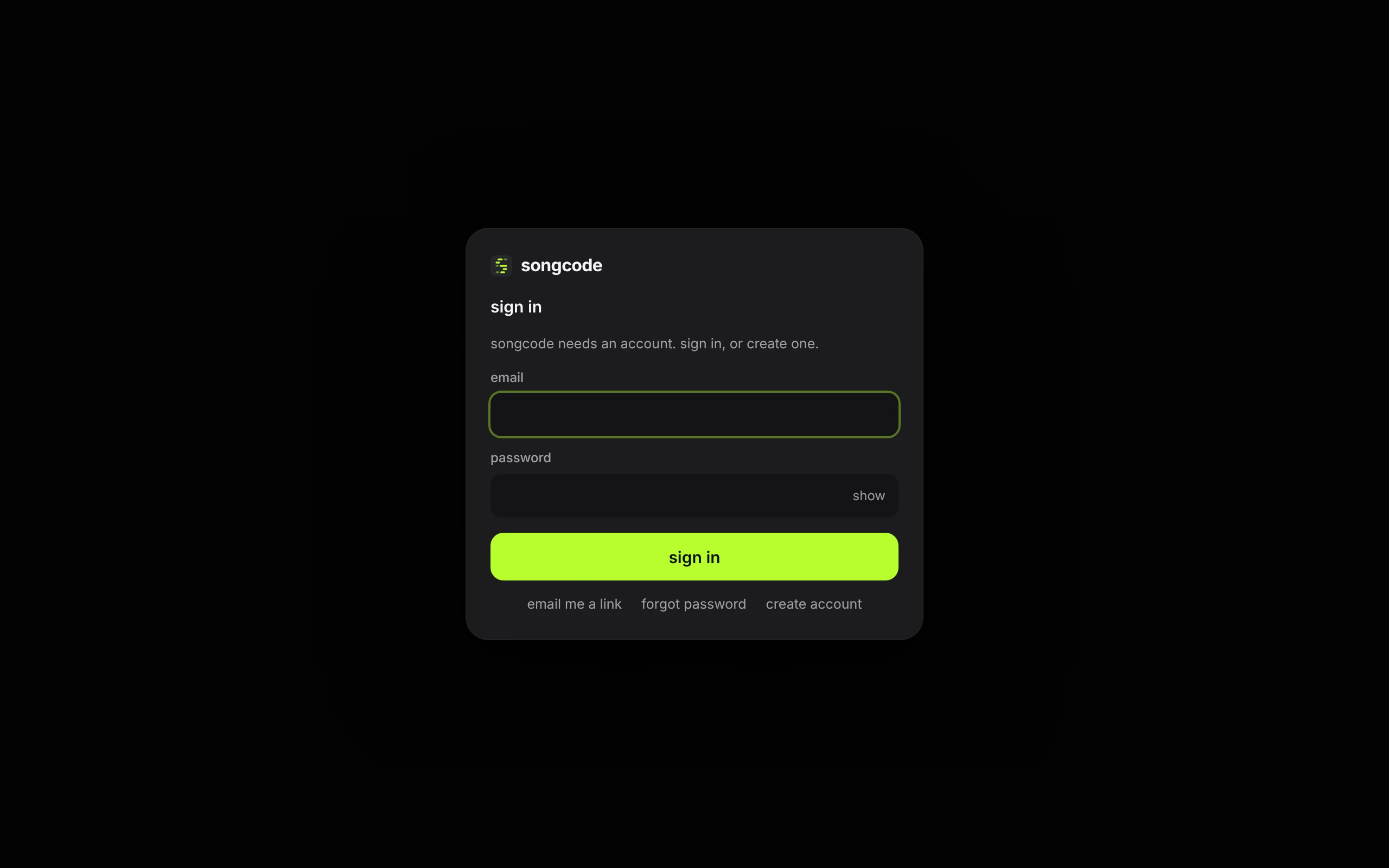
The same goes for the library and the settings page: each one shows the sign-in page first. Sign in with your password there and the page you asked for opens.
One page is open to everyone: a track someone shared. Its link opens without an account, to play the track and read its code. See open a shared track without an account.
Your account holds your tracks: the library shows your own drafts and published tracks, and nobody else’s. Drafts are private to your account; a published track can be opened by anyone with its link.
#Create an account
Creating an account needs an invite while Songcode is in early access. A browser that opened the app with an invite link already has one.
- On the sign-in page, click create account.
- Enter your email and a password of at least 8 characters. show at the end of the password field shows what you typed.
- Tick i agree to the terms and the privacy policy. Both names are links, and each opens in a new tab: the terms and the privacy policy.
- Press create account.
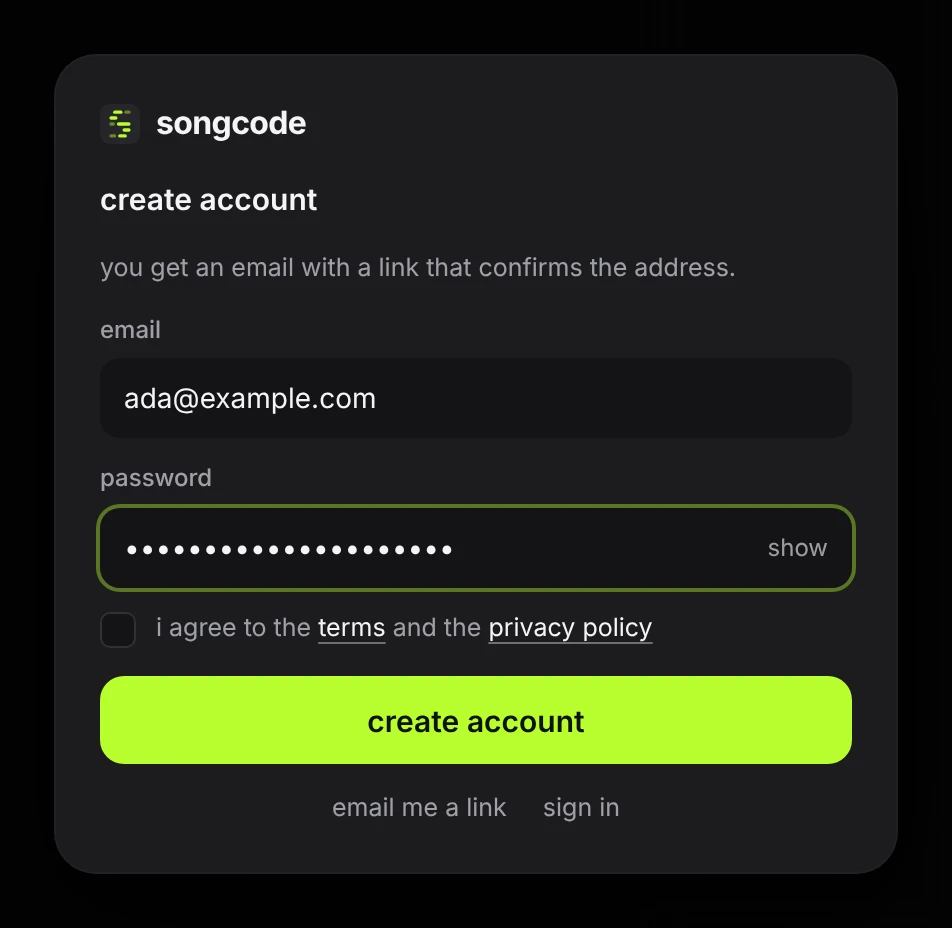
Songcode sends an email with a link that confirms the address. The sheet says where it went.
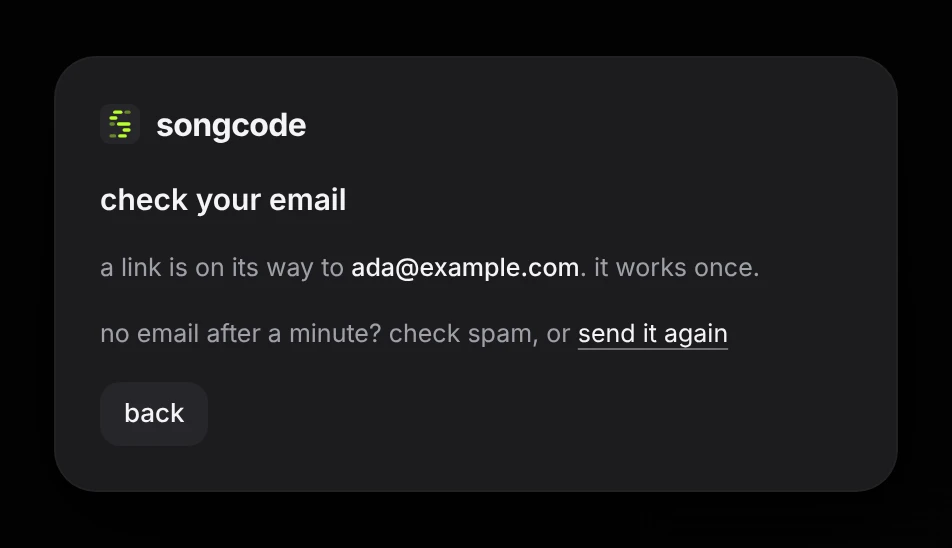
Open the link within 60 minutes, in the same browser you signed up in. It works once. The app opens signed in, and the account exists from that moment.
No email after a minute? Check the spam folder, then press send it again on the card. back returns to the form, with the address still in it.
#Sign in
With a password. Enter your email and password and press sign in.
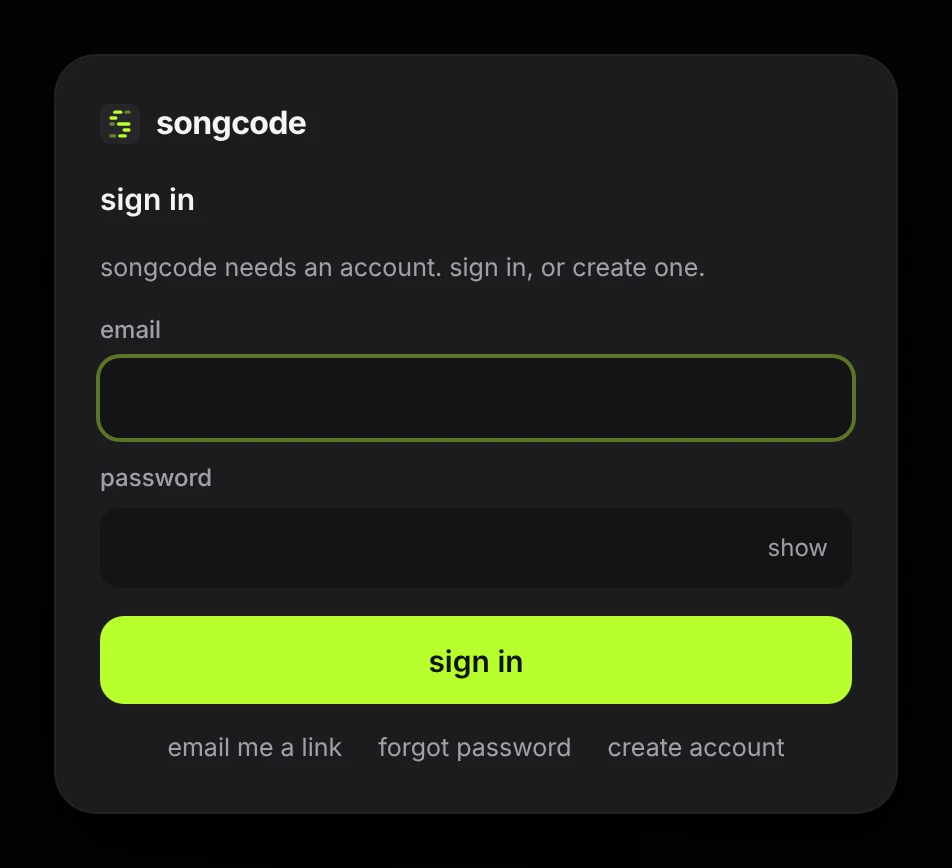
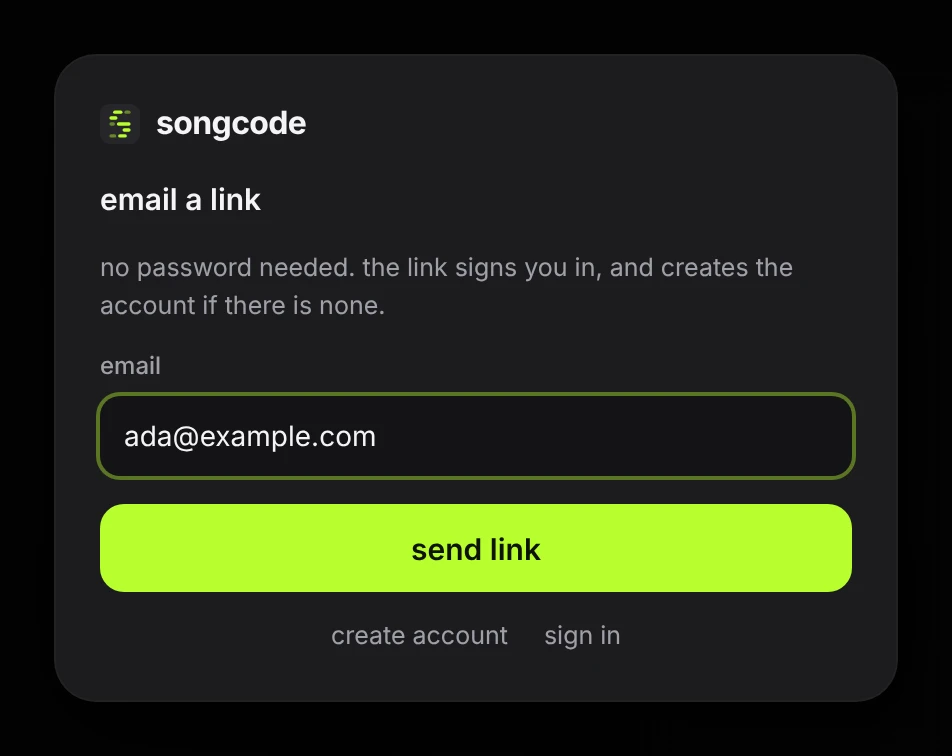
With an emailed link. Click email me a link, enter your email and press send link. The link in the email signs you in when you open it. It works once and expires after 15 minutes. No password is involved.
If the address has no account yet and the browser that asked holds an invite, the link creates one. Opening it shows the sheet with one step left: tick i agree to the terms and the privacy policy and press create account. The link is not used up until you do.
A sign-in lasts 30 days from the last time you used Songcode in that browser. Each browser and device signs in on its own.
After several wrong passwords in a row for one account, password sign-in for that account is paused for 15 minutes. An emailed link still works during that time.
A browser with no invite can sign in to an account that exists and cannot create one. Its sign-in page has ask for early access where create account would be.
#Forgot your password
Click forgot password, enter your email and press send reset link. The email has a link to choose a new password. It works once and expires after 30 minutes. Saving the new password signs you in here and signs the account out everywhere else.
If the address has no account, the email says so and nothing changes.
#The dashboard
Everything about your account after you sign in, from usage and plans to the look of the Studio, is on the dashboard.
#If something goes wrong
| the sheet says | what to do |
|---|---|
wrong email or password. never set a password? use email me a link. | Check both. If you signed up but never opened the confirmation link, the account does not exist yet. If you confirmed in a different browser, the account has no password. Either way, email me a link gets you in. |
use a password of at least 8 characters | Pick a longer password. |
agree to the terms and the privacy policy to create an account | Tick the box above the button. An account is only created once you have agreed to both. |
that link no longer works. request a new one. | The link was used already or has expired. Ask for another from the sheet. |
that link was already used. you are signed in. | Nothing to do. The link did its job the first time. |
too many attempts for this account. wait 15 minutes or use an email link. | Wait, or click email me a link. |
too many emails requested. try again later. | Songcode limits how many emails one address and one network can ask for in an hour. Wait before asking again. |
songcode is invite only for now. ask for early access at songco.de. | This browser has no invite, so it cannot create an account. See early access. |
could not send the email. try again shortly. | The message never left Songcode. Press the button again in a moment. |
email is not set up yet. try again later. | Songcode cannot send email right now, so links cannot go out. Sign in with your password if the account has one. |
sign in to use songcode. | The session ended while the app was open. Sign in again. What is in the editor stays. |
offline. check the connection and try again. | The request did not reach Songcode. |