Settings
Your picture, your email and password, signing out, the model keys in this browser, and help.
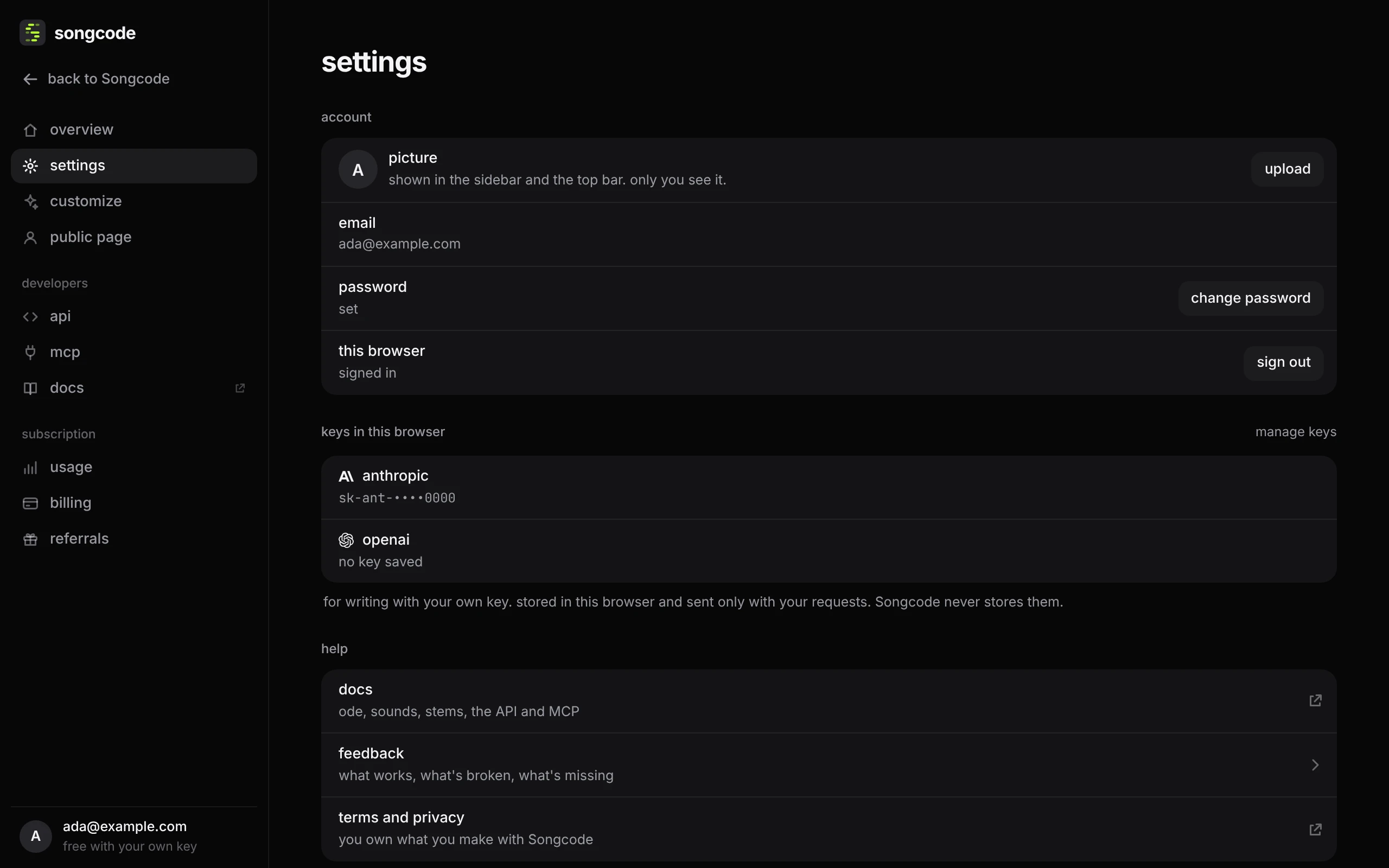
- picture is shown in the sidebar, on the overview and in the top bar. upload takes a png, jpeg or webp and crops it to a square; you can also click the picture at the bottom of the sidebar. remove goes back to your initial. Nobody else sees it, unless you have a public page, which shows it.
- email is the address you sign in with.
- change password emails you a link to choose a new one, the same link a reset sends. If the account has no password yet, the button reads set a password.
- sign out ends the session in this browser. The sign-in page takes the app’s place, or the early access page in a browser with no invite.
- view as shows only on Songcode’s own admin accounts. It switches the app between me, subscriber (a preview of the top plan) and own key, so the team can see each side of Songcode.
- keys in this browser lists the model keys saved in this browser, one line per provider. manage keys opens the key sheet.
- help links to these docs, opens feedback, and links to the terms and privacy policy.