Early access
Songcode is open by invite for now. How to ask for one, and how to use it.
Songcode needs an account, and while it is in early access, creating one takes an invite. In a browser with no invite and no one signed in, the app’s address shows this page in its place.
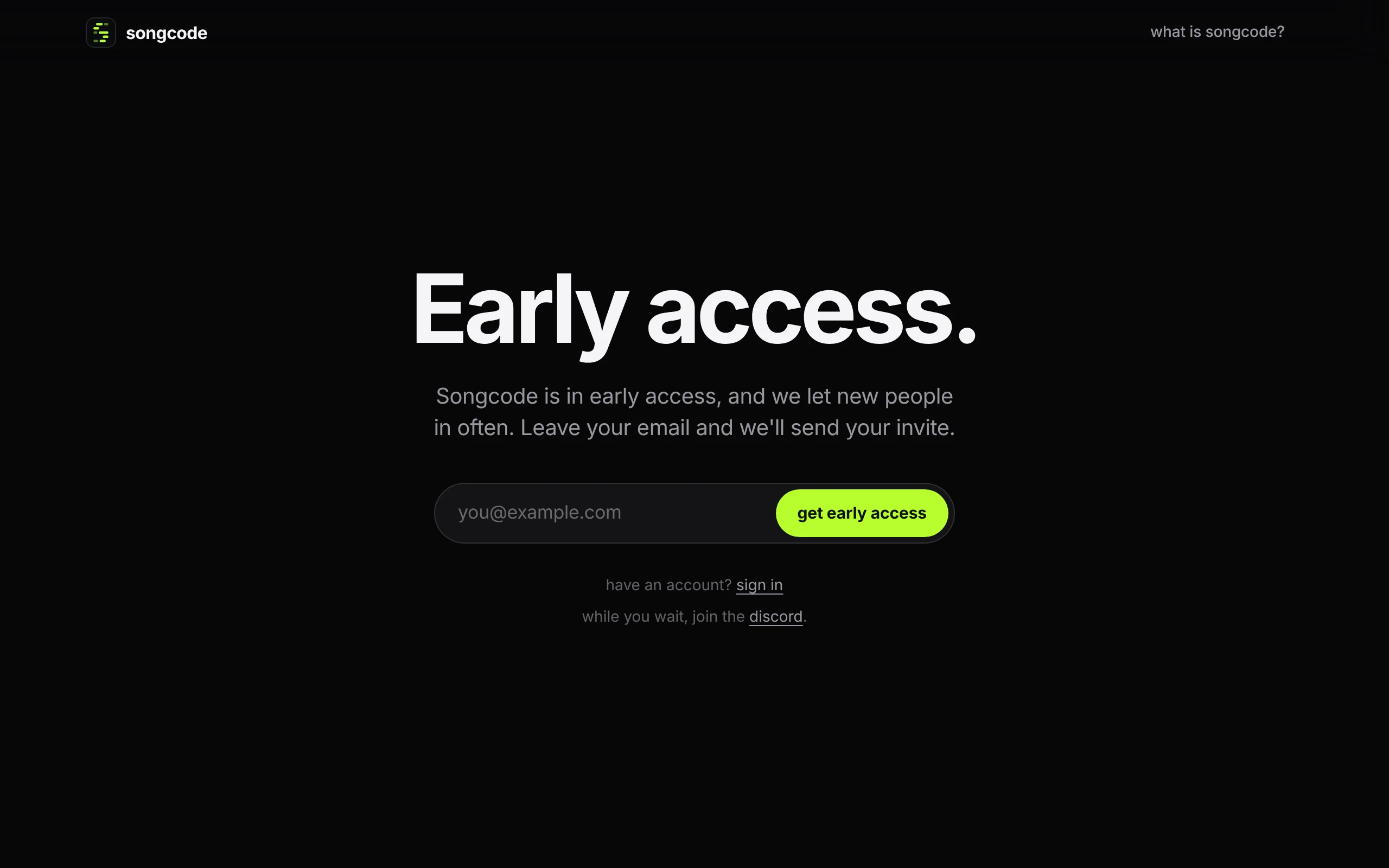
#Ask for an invite
Enter your email on songco.de or on the page above. When your invite is ready you get an email with your invite link in it. While you wait, the Songcode Discord is open to everyone.
#Use your invite
Open the link from the email once. The sign-in page opens on create account with your email filled in: see create an account. The browser remembers the invite for a year.
The link is yours alone. It creates an account for the address it was sent to and no other, and it stops working once that account exists. It does not expire before then.
An invite is kept per browser, and it is only needed to create the account. On a second device or in a second browser, sign in.
#Sign in
If you have a Songcode account, you do not need the link again. Click sign in next to have an account? at the bottom of the page above. The sign-in page opens, and once you are signed in the app opens and stays open for as long as the session lasts.
Creating an account takes an invite, so the first visit is always by link.
#What needs an invite
Creating an account, and so the app and nearly everything it does: generating, drafts, publishing, remixing and opening the library.
A link to a track that someone sent you needs neither an invite nor an account. It opens to play the track and read its code; see open a shared track without an account.
These docs, the home page and the blog are open to everyone.
#If the invite is not accepted
The page comes back with a message when a link does not work. Check that the whole link was copied, since mail apps sometimes cut a long address in two. If you were sent more than one invite, use the newest: each one replaces the last. If you already made your account, sign in instead. Too many wrong tries from one network in a minute are turned away for a short while, so wait a minute before trying again.