Customize
How the Songcode Studio looks: the accent, code colours, stem colours, code size and the Studio switches. Every option, and which come with a plan.
How the Songcode Studio looks. Your choices are saved to your account, so they follow you to every browser you sign in on, and show at once.
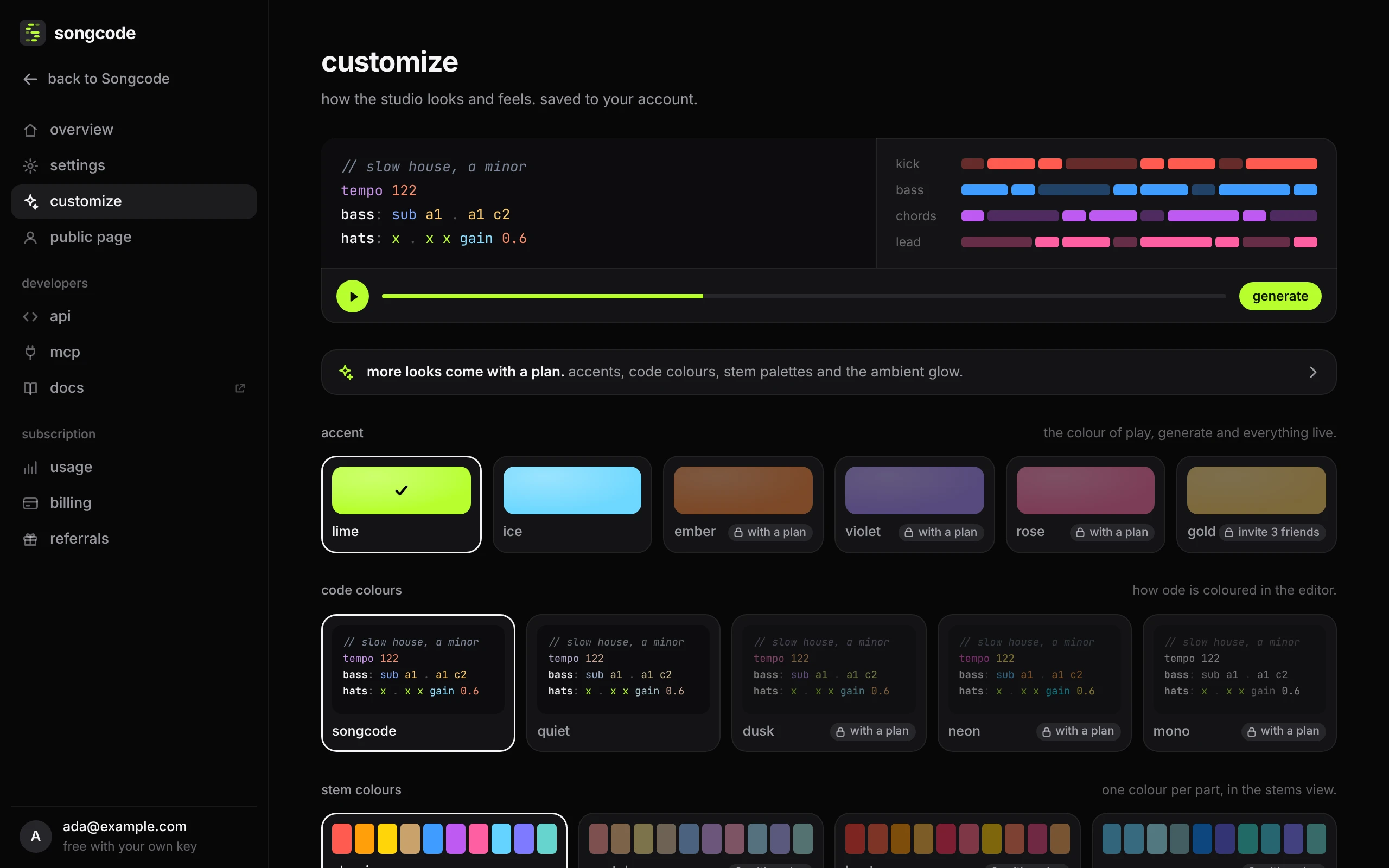
- accent is the colour of play, generate and everything live.
- code colours is how ode is coloured in the editor.
- stem colours gives each part its colour in the stems view.
- code size sets the editor’s text from 12 to 16 pixels.
- line numbers, light the playing rows (the same switch as pulse above the code), ambient glow (the Studio breathes in your accent while a song plays) and reduce motion.
Some choices come with a plan and are marked with a plan. One accent unlocks when friends join through your referral link, marked with how many. Pressing a locked one takes you to where it comes from. If a plan ends, what you chose is kept and the default shows until it is back. back to the default look resets everything.
#Every option
| setting | options | who gets it |
|---|---|---|
| accent | lime ice | everyone |
| accent | ember violet rose | with a plan |
| accent | gold | 3 friends joined, or a plan |
| code colours | songcode quiet | everyone |
| code colours | dusk neon mono | with a plan |
| stem colours | classic | everyone |
| stem colours | pastel heat ocean | with a plan |
| code size | 12 13 14 15 16 | everyone |
| line numbers | on or off. Down the side of the code. | everyone |
| light the playing rows | on or off. Rows glow as their notes sound. | everyone |
| ambient glow | on or off. The studio breathes in your accent while a song plays. | with a plan |
| reduce motion | reduced or full. Calmer transitions and no moving fields. | everyone |