API keys and models
Songcode writes tracks with your own Anthropic or OpenAI key. Where to get a key, where it is kept, and which model each setting uses.
Songcode has no model of its own. A track is written by a general-purpose language model from Anthropic or OpenAI, called with your API key, on your account. You pay the provider for what each track costs to write. Songcode adds nothing on top.
#Get a key
- Anthropic. Create a key in the Anthropic console. Keys start with
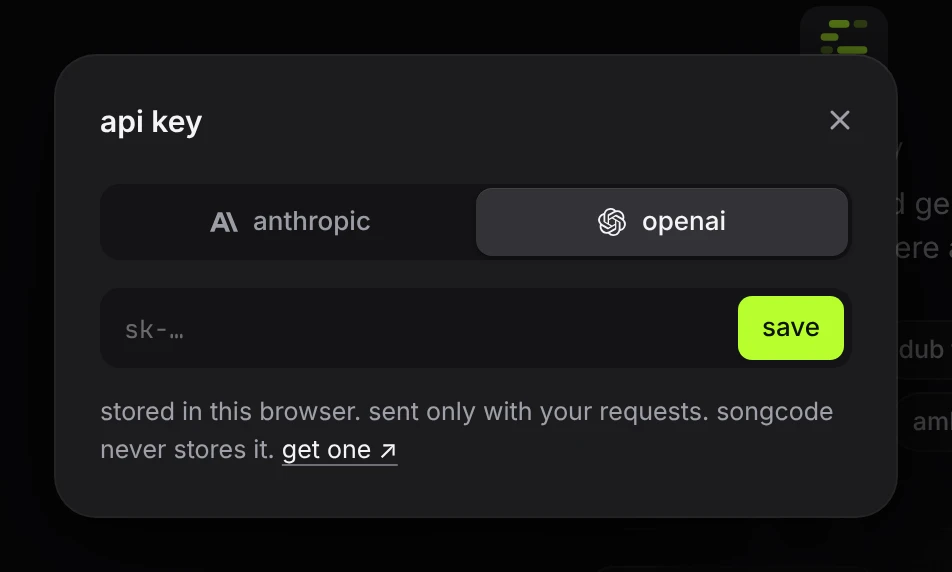
sk-ant-. - OpenAI. Create a key on the OpenAI platform. Keys start with
sk-.
Each of them needs billing or credits set up on the account before a key can be used. A chat subscription such as Claude Pro or ChatGPT Plus is a different product and does not include API use.
The get one link in the key sheet opens the right page for whichever provider is selected.
#Add the key
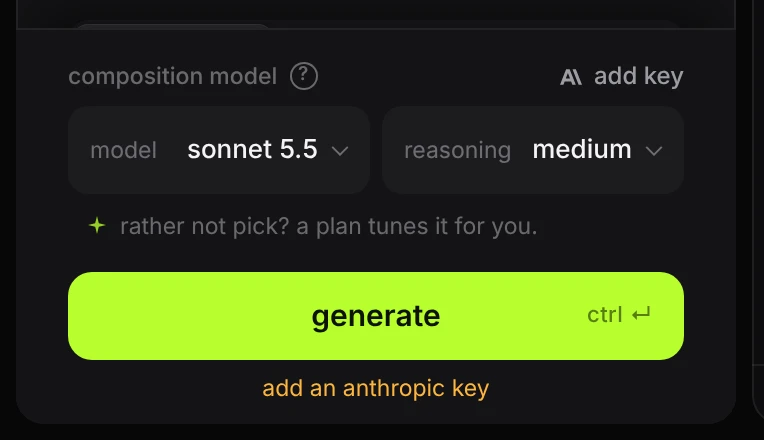
Open the key sheet with the key icon at the top right. Clicking the provider name above the model picker opens it too, and so does pressing generate with no key saved.
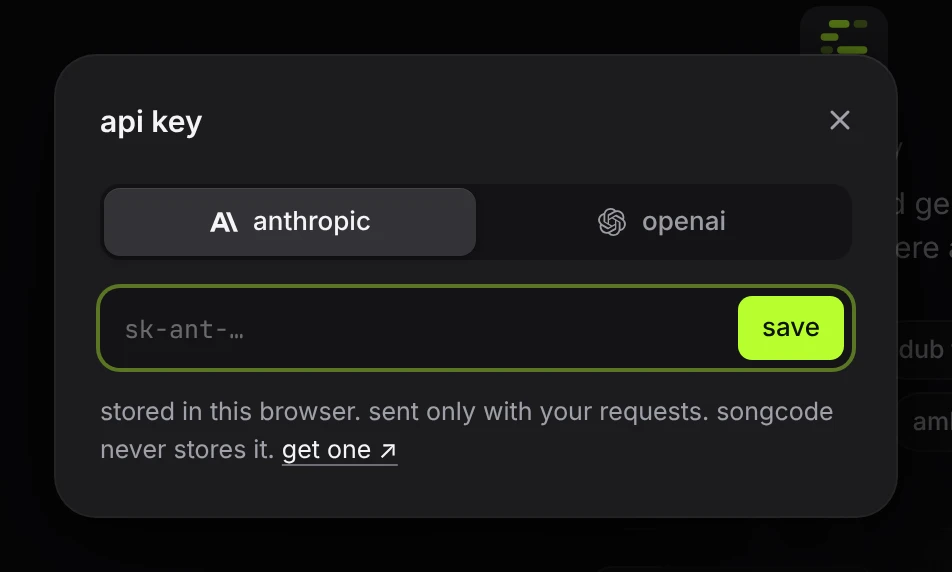
- Pick the provider at the top: anthropic or openai.
- Paste the key into the field.
- Press save or ↵.
If you got here by pressing generate, the track starts as soon as the key is saved.
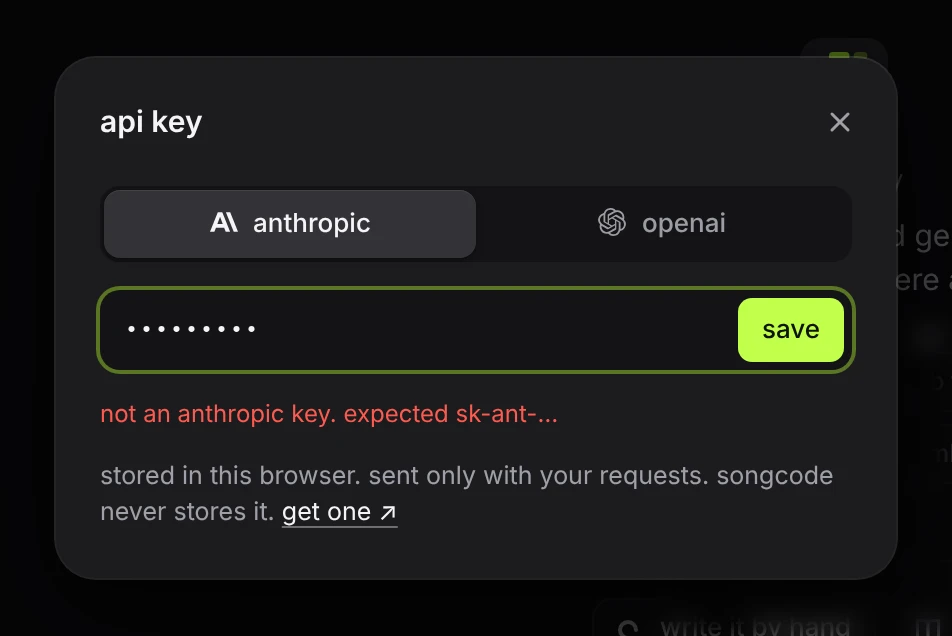
The sheet checks only that the key starts the way that provider’s keys do. A key that fails the check is not saved, and the sheet says what it expected.
Whether the key works is known only when the provider answers a real request. If the provider turns it down, generation stops and the sheet opens again with a line such as anthropic rejected that key. check it and try again.
#Change or remove a key
With a key saved, the sheet shows its first and last characters and two actions.
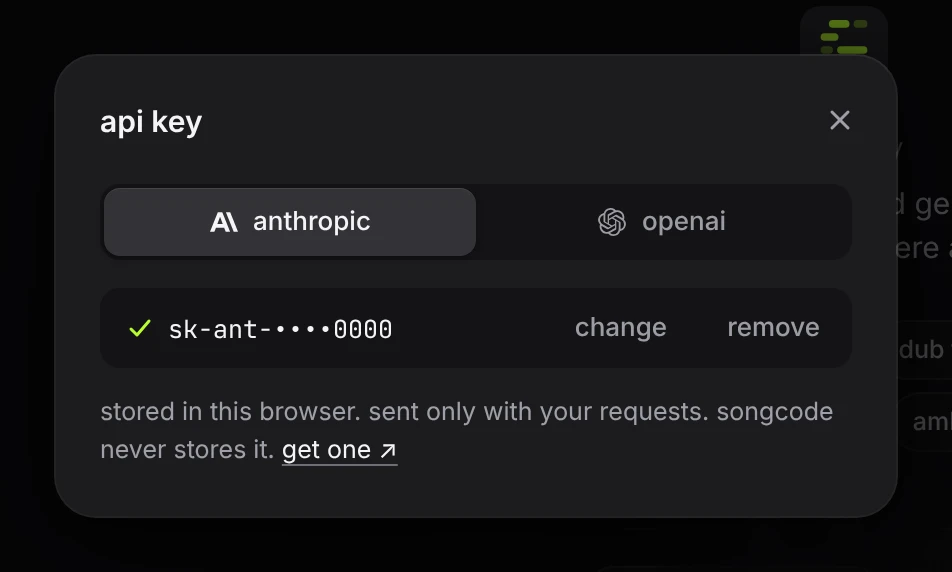
- change brings the field back so you can paste a different key.
- remove deletes the key from this browser.
You can keep one key per provider. The provider selected in the sheet is the one the next track uses, and its name shows above the model picker.
#OpenRouter keys
Songcode does not take OpenRouter keys. OpenRouter can keep a copy of every request made with a key, and Songcode’s instructions to the model are private. The key sheet turns an OpenRouter key down with openrouter keys are not supported. use an anthropic or openai key.
#Without a key
The whole app works without a key except writing: you can open and play shared tracks, edit code, use the stems view on a track that exists, and download. The composer says when a key is missing.
#Where the key goes
The key is stored in this browser’s local storage, on this device. It is not stored on Songcode’s server, in a database or in a log.
When you generate, the browser sends the key to Songcode’s server along with the prompt, and the server passes both to the provider for that one request. Nothing else uses the key. Saved tracks and share links never contain it.
Because the key lives in the browser, a second browser or device needs it added again, and clearing the site’s data removes it. Anyone who can use this browser profile can generate with the key, so remove it on a shared computer.
#Models
On your own key, the row is called composition model and has two pickers: model, which of your provider’s three models writes the track, and reasoning, how long it thinks before it writes. Each model starts at its own usual level until you pick one.
| tier | with an Anthropic key | with an OpenAI key |
|---|---|---|
| fast | haiku 5.5 | luna |
| balanced | sonnet 5.5 | terra |
| best | opus 5.5 | sol |
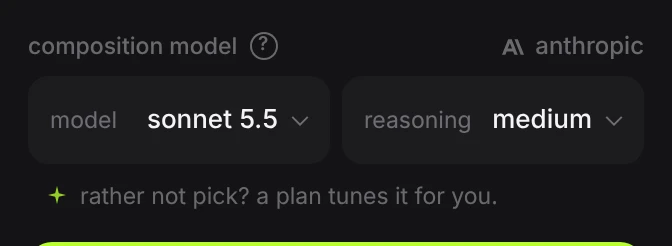
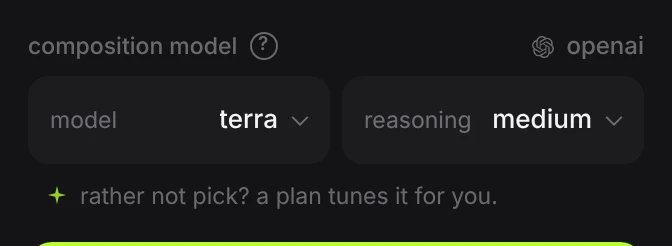
- The smallest model at low is the cheapest and quickest. Good for sketches and for trying many prompts.
- The middle model at medium is the default.
- The largest model, and higher reasoning on any model, take longer and cost more. They are worth it for full tracks, where the arrangement has many parts to keep consistent.
- An Anthropic key offers low, medium, high, xhigh and max on every model. An OpenAI key offers the same five, plus none on luna and terra, which answers with no reasoning at all.
Under the pickers, where plans are offered, a short line points to a Songcode plan, which picks the quality for you instead of a model. Hover it for a preview of the plan’s quality bar; press it to open settings.
A full track is several times longer than a loop, so it costs more and takes longer on any setting.
Ultra compose is a plan’s top composition quality, with no switch on your own key. For a similar long think on an Anthropic key, pick Opus 5.5 at xhigh; it costs about four times as much as Opus 5.5 at medium.
When a track fails its check after it is written, Songcode asks the same model for one repair. That is a second request on your key. See what happens while it writes.
#Limits
Songcode limits how often one network address can generate and save, to keep the service usable for everyone: 12 generations a minute and 400 a day. Your provider has limits of its own, tied to your account. Troubleshooting lists the messages each one produces.